 Join the beta
 Settle into a story.
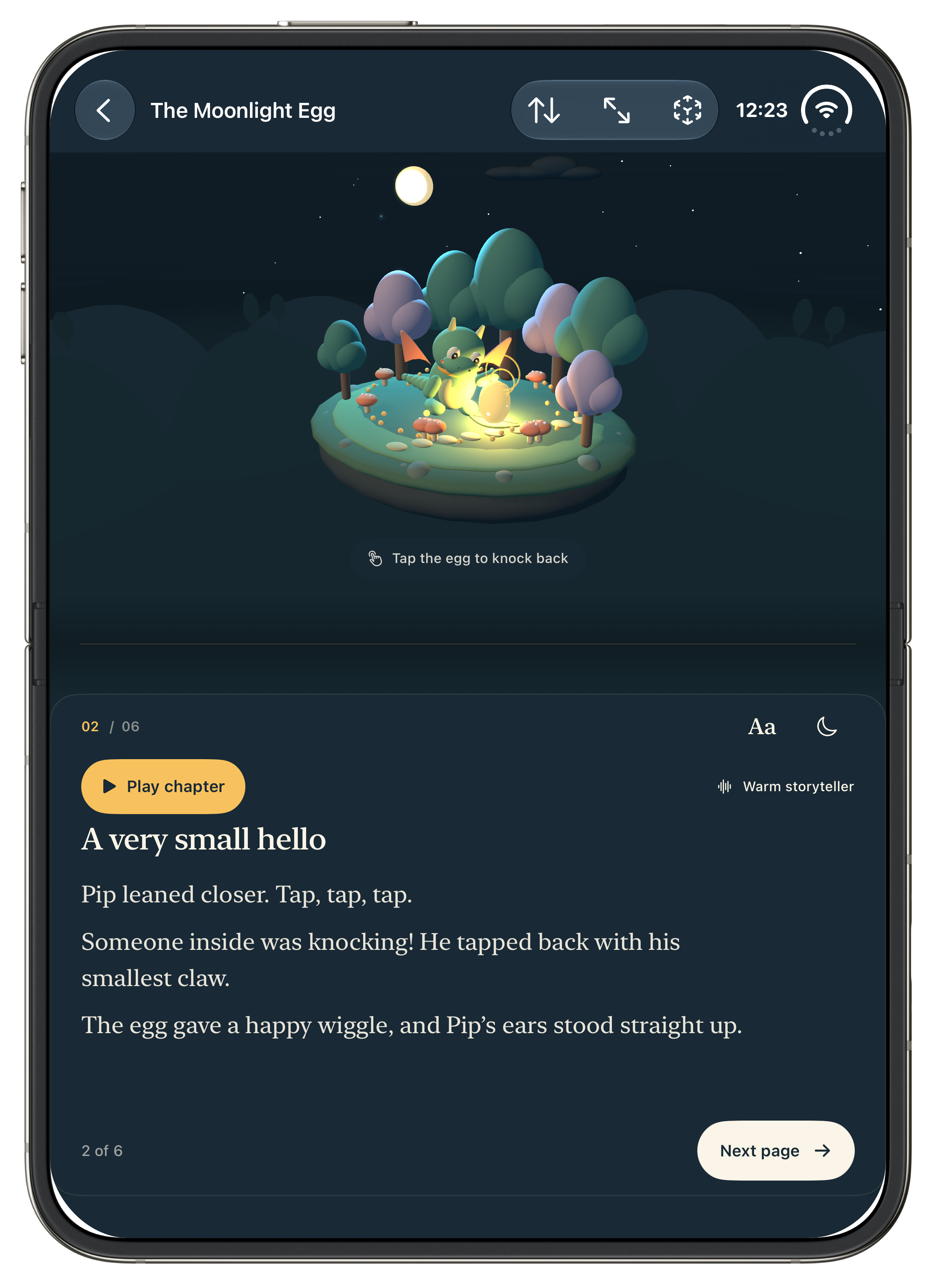
Open a book. Read aloud together, or listen to a storyteller while the words light up.
A LITTLE WONDER BEFORE GOODNIGHT
Dream up bedtime stories together.
Step inside a little 3D world.
A familiar face, ready for an adventure.
See how it happens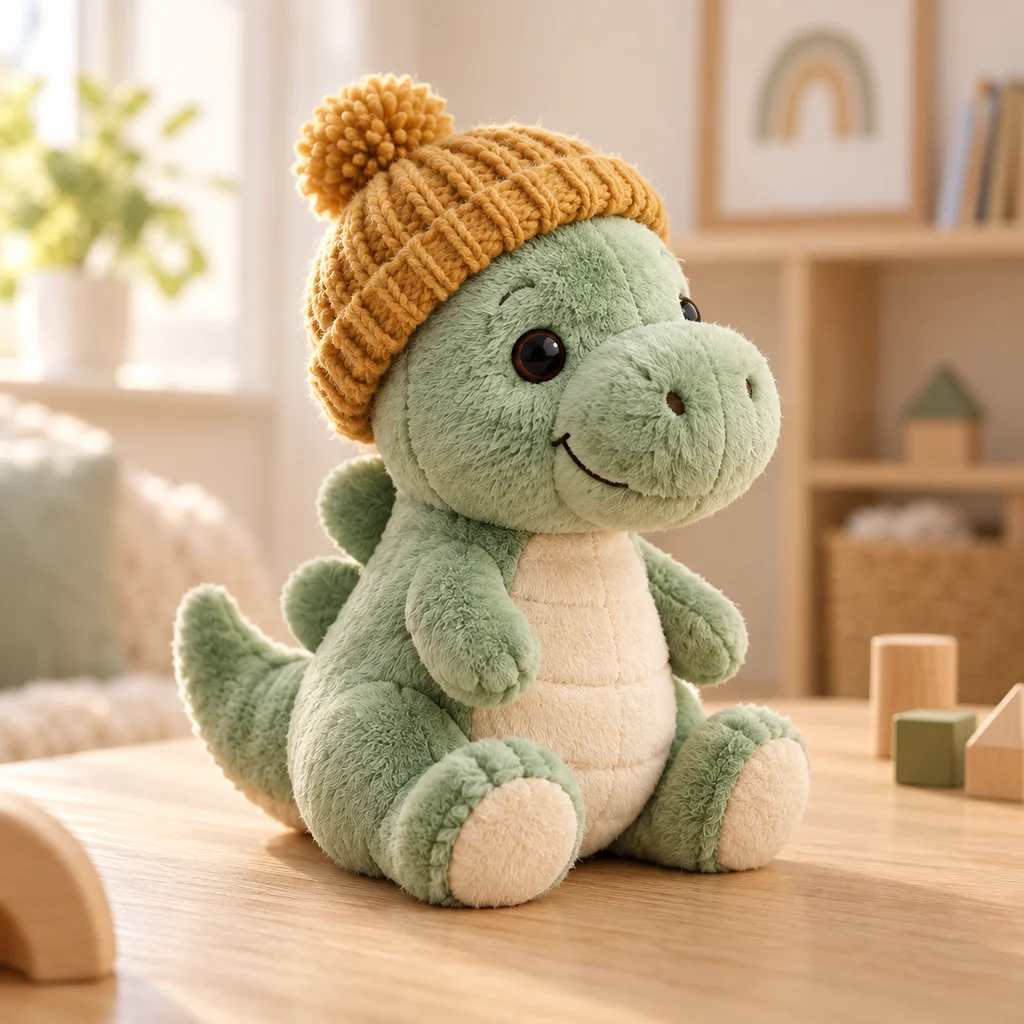 the cuddle buddy
 the story hero
THE BEST PART IS WHAT HAPPENS NEXT
That little idea at bedtime can become the beginning of a new adventure. With Luma, your family helps shape the story.
Open a book. Read aloud together, or listen to a storyteller while the words light up.
Hold the microphone and tell us what should happen. Everyone can add a little something.
Your ideas inspire new pages and new scenes, with familiar friends along for the adventure.
MEET YOUR FIRST LITTLE WORLD
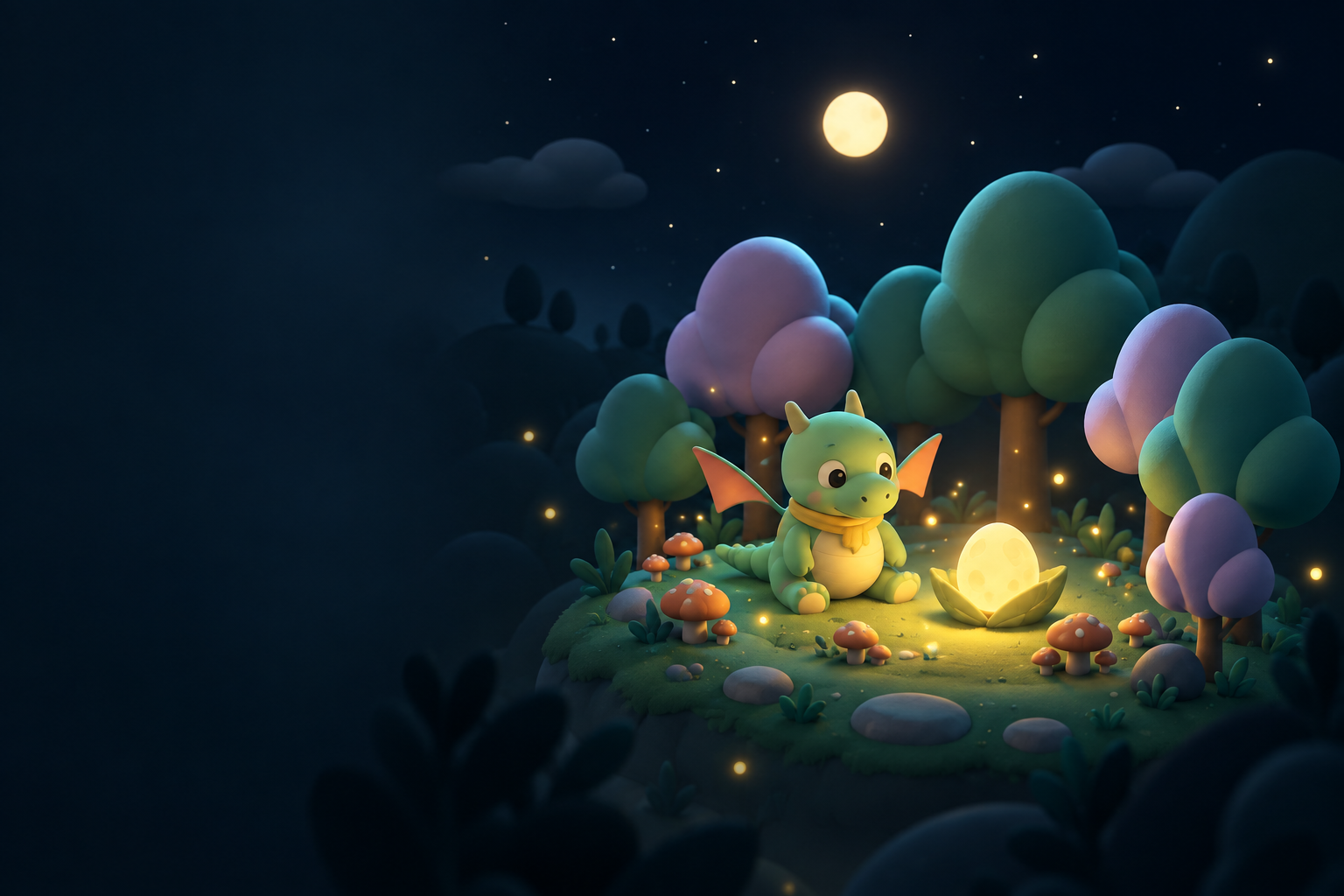
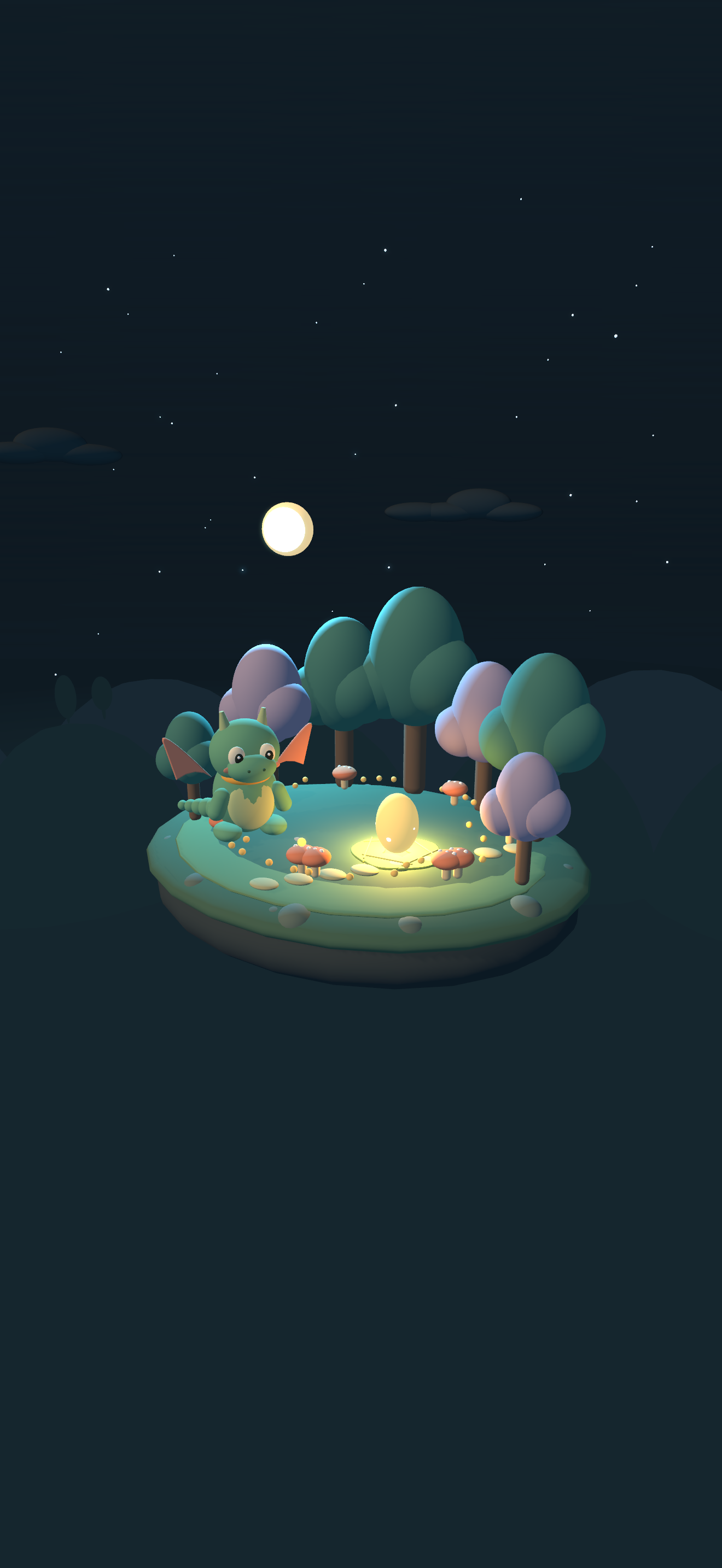
A small dragon. A mysterious glow.
A forest with a story to tell.
A short sample from Luma’s opening book.
SO MUCH MORE THAN A STORYBOOK
It starts right in the Luma app. Follow a favourite toy from a photo to a new little story friend.
Try the phone demo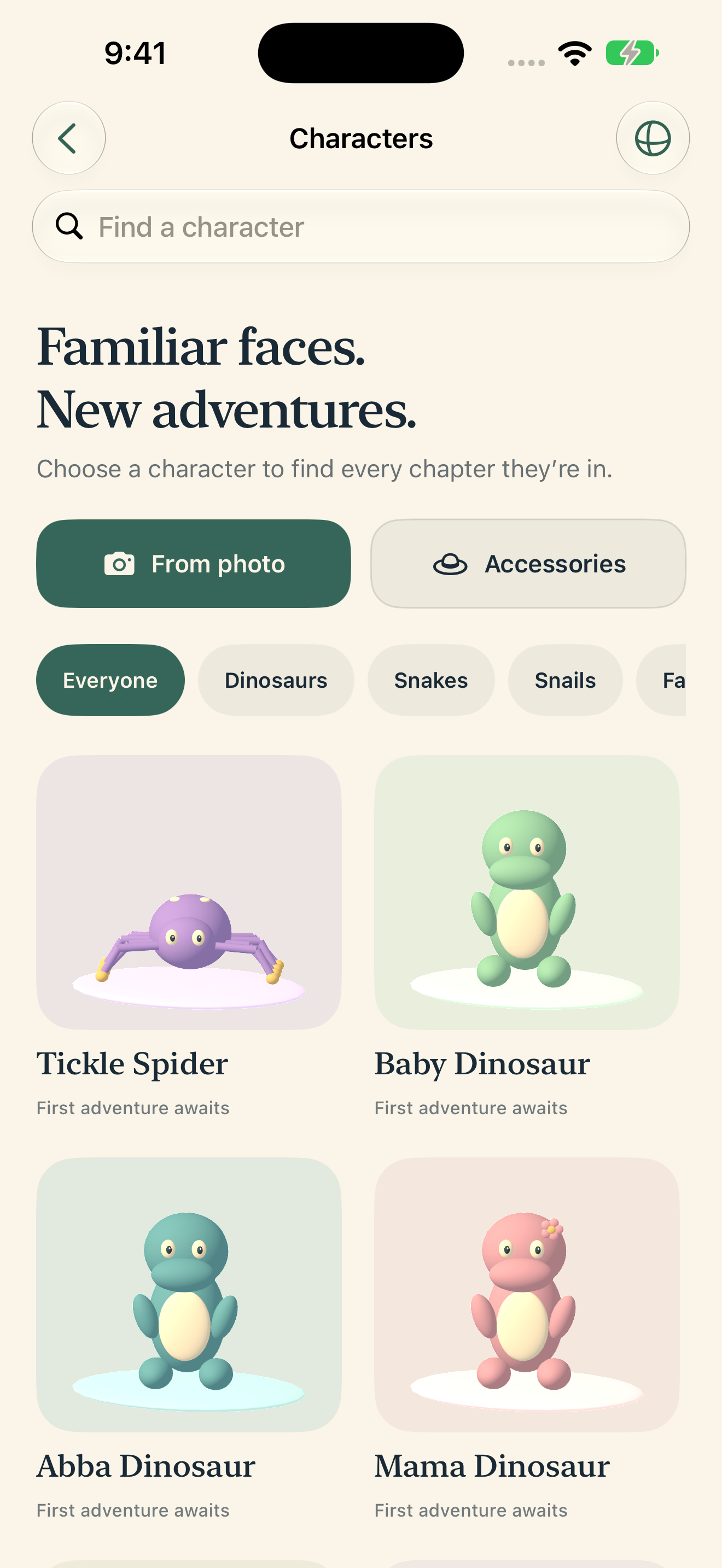
Photograph one character or accessory.
What shall we call them?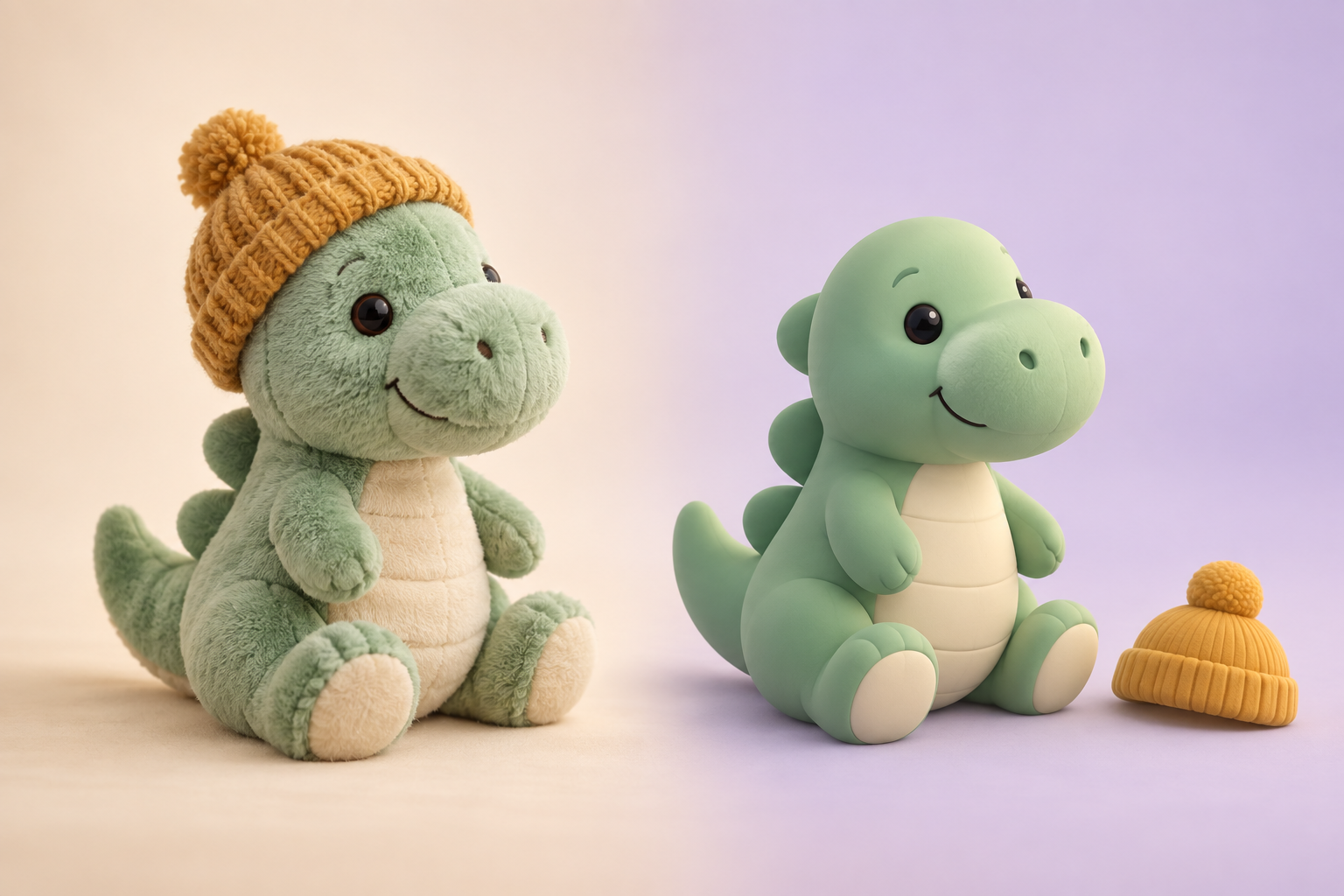
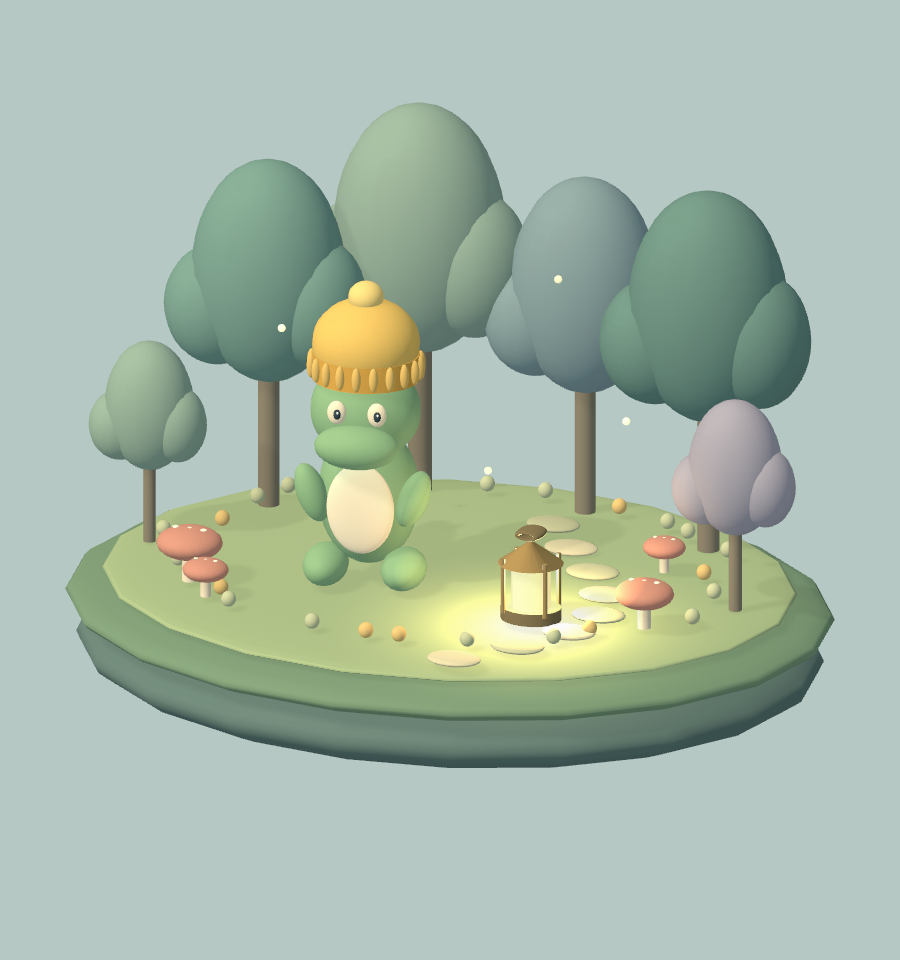
Your photo becomes a stylized 3D friend.
1 character · 1 accessory
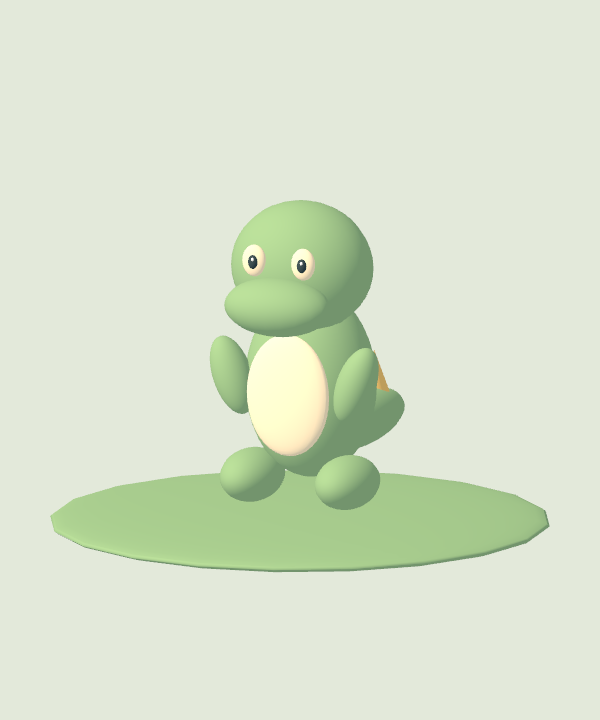
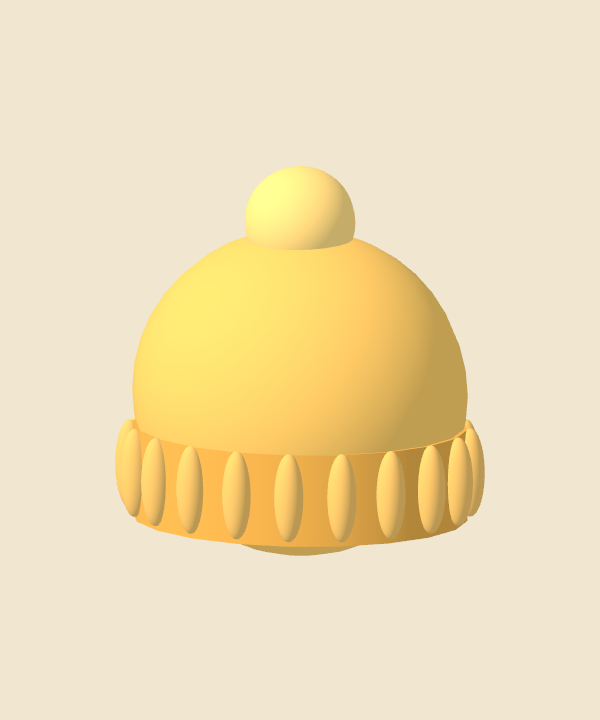 Moss’s first adventure
Moss pulled on his woolly hat and followed a tiny light between the trees. Someone was waiting to say hello.
Then open your new friend in Characters to start a story together. A little hat, too? Accessories are saved separately, ready to share.
Place a story world or a character in your room. Walk around it, get closer, and discover the details together.
Switch on AR reading mode to keep the story text and Next page button with you as you read.
AR on supported iPhone & iPad devices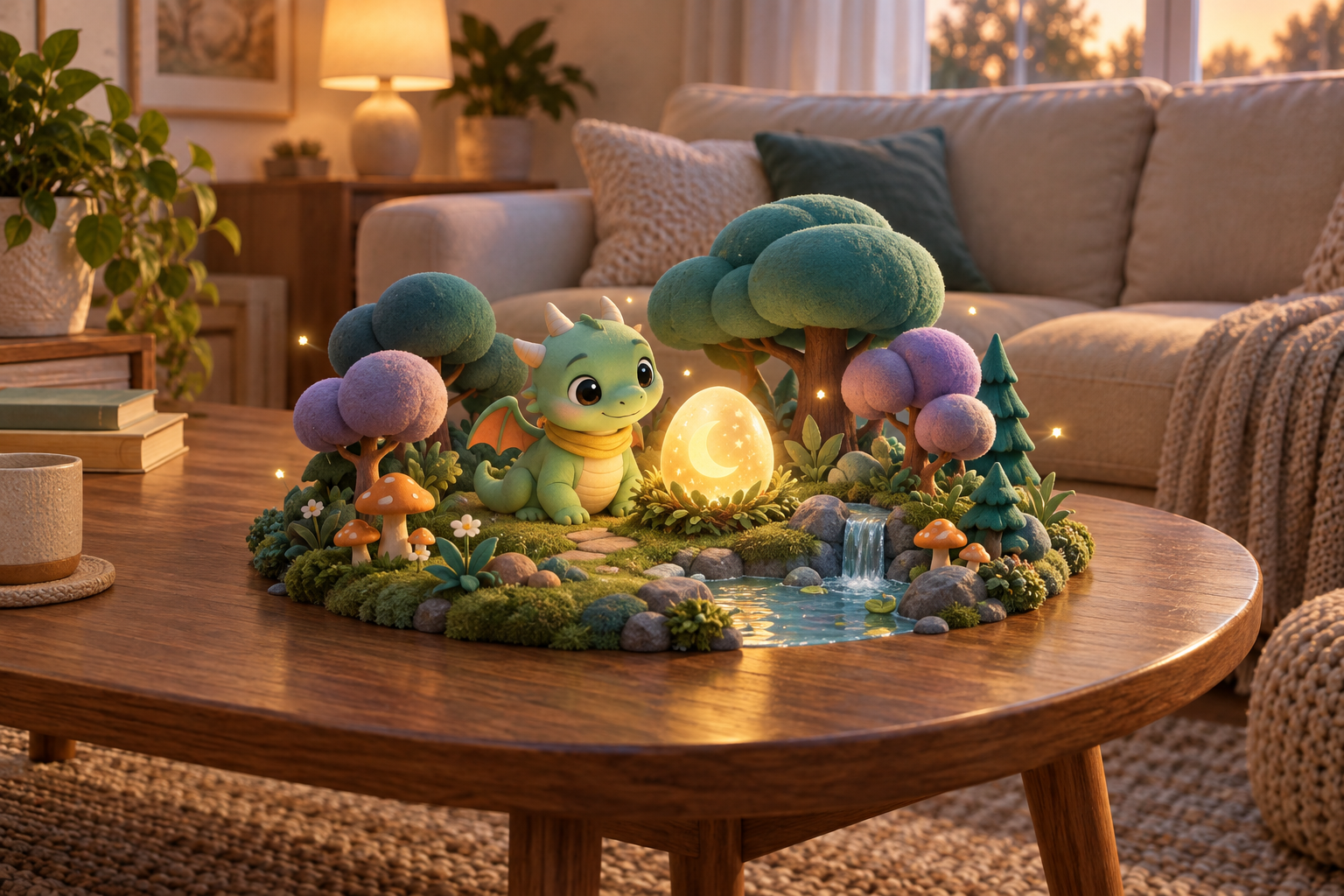
Settle onto the sofa and open Luma on Apple TV. Read the chapter together or play its narration, with the little 3D world beside the words.
Use the remote to turn pages and explore. Record tomorrow’s idea on iPhone or iPad.
Apple TV app · coming soonMore room for the story. More room for imagination. Luma gives the words and their little 3D world a place of their own on iPhone Duo.
Invite a friend’s family. Dream up an idea each. Discover your next chapter together.
Private, parent-invited circles · In developmentParents invite up to eight children into a shared book. Each family reads in its own time, and each child adds one response with a parent’s help. Parents choose the nightly deadline; missing responses automatically skip that round. No ideas that night? The current chapter stays open. New chapters are created after the deadline when the story service is available. In development for iPhone and iPad.
“A little lantern!”
“In the clouds!”
Make room for your own voice. Luma’s silent reading guide offers gentle pacing, little pauses, and suggestions for tone and emphasis while you read aloud.
Rehearse a page before bedtime, try a softer character voice, or linger on a wonderful word. Pause whenever you like. The next page waits for you.
Keep a reading they can hear again. Tap Record to save your voice, page by page, so your child can replay the story with the voice they know by heart.
On iPhone & iPad · recordings stay on that device and replay offlineBetween the sleepy trees,
something glimmered.
As the storyteller reads, the current word lights up. Children can connect the word they hear with the word they see.
It was a little egg, warm as a lantern and bright as the moon.
Hold to tell an idea. Let go to save it.
Take turns dreaming up tomorrow’s adventure.
“…finds a cloud
to sleep on.”
Hold a word in the story. Hear it, look it up, and save it to My words.
Come back to practise together. When it clicks, tap “I know this word.”
On iPhone & iPad · Each reader’s words stay on that device.A large place where many trees grow.
“When the forest tucked itself in, Pip was still awake.”The Moonlight Egg
A PLACE FOR EVERY BEDTIME
A little stage for story time, with room for the world and the words.
Explore the Duo experienceFOR THE GROWN-UPS
We’re building a calm place for families to read and create together.
Luma is still in development and isn’t publicly available on the App Store yet. App Store links will be available here when it launches.
Luma is designed for shared story time. Choose Your voice for a silent guide to pacing, pauses, tone and emphasis. Parents can practise a page, record their reading, and let their child replay the saved pages on the same device. Or listen to a storyteller with each spoken word highlighted.
Books are private to your family unless a parent starts a story circle and invites another household. Joined families can read that book and see the circle’s nicknames and submitted feedback. Other books, original photos and private parent readings are not shared. There is no public community library.
They automatically skip that night’s round. All feedback received before the deadline goes into the next chapter. Each child gets a fresh turn with the new chapter; late drafts are not silently added to a different chapter. If nobody submits an idea, Luma keeps the current chapter open for another night. The hosting family’s allowance covers shared chapter creation.
AI helps turn family ideas into stories and bounded 3D scenes. Toy photos create stylized characters rather than exact scans. Results can vary; parents should review new content together.
Saved parent readings stay on the recording device. Ideas submitted to create stories, including circle feedback, go to the story service; story ideas and selected toy photos may be processed by OpenAI. Voice ideas are transcribed by the creation service. AR camera frames stay on your device.
We’re planning one family membership across your devices, with an allowance for new chapters and photo characters. Pricing and launch availability are still being tested. Saved stories remain readable when a subscription ends.
THE NEXT CHAPTER STARTS WITH YOU
We can’t wait to hear.